📌 Summary for Busy Readers
- UPI money deducted but transaction showing failed is a known technical glitch — your money is not lost
- RBI mandates automatic reversal within 5 business days — if it doesn’t happen, the bank is liable to pay you a penalty
- This guide tells you exactly what to do on Day 1, Day 3, and Day 5 — and who to escalate to if the bank ignores you
UPI Payment Failed But Money Got Deducted? Here Is Exactly What to Do
Your money is not gone — but you need to act in the right order, or you will waste a week going in circles.
Every month, over 50 crore UPI transactions fail in India while the amount is still debited from the sender’s account. Most people panic, call their bank’s helpline, wait on hold for 40 minutes, and then do nothing. That is the mistake that costs them days of follow-up.
The good news: RBI has a clear rule on this. The bad news: most bank customer care agents either don’t know it or pretend they don’t.
Here is the complete process — from the first minute you notice the deduction to the final escalation if your bank refuses to act.
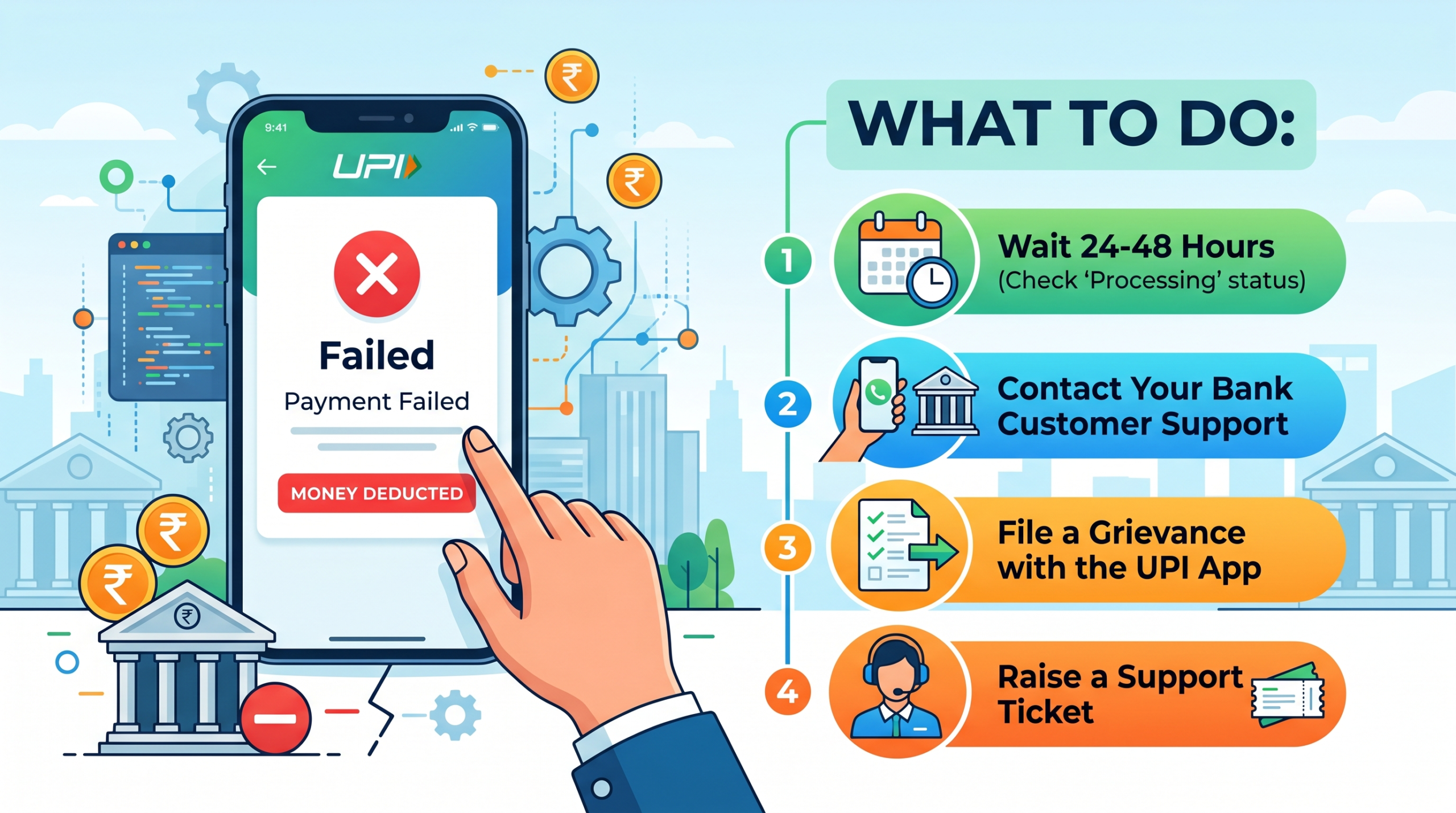
Why Does UPI Show Failed Even After Deducting Money?
This is not a scam. It is a technical handshake failure between three systems — your bank, the NPCI (National Payments Corporation of India) network, and the recipient’s bank. Your money leaves your account, but the confirmation signal never reaches the other end.
Common reasons this happens:
- Server timeout during peak hours (especially 8–10 PM and salary dates)
- Poor internet connection at the moment of transaction
- Recipient’s bank server down temporarily
- Your bank’s UPI switch experiencing load issues
💡 Ground Reality: The money almost never actually reaches the recipient in a failed transaction. It sits in a suspense account either at your bank or at NPCI — and it has a mandatory return path. The system is designed to return it. Your job is to make sure no one delays that return.
Step 1 – Wait and Watch for 1 Hour First
Before calling anyone, check two things immediately:
- Open your bank app and check your account statement — not just the UPI history
- Open the UPI app (GPay, PhonePe, Paytm, BHIM) and check transaction status under that payment
If the transaction shows “Pending” — do not retry. A pending transaction can still complete. Retrying means you may pay twice.
If it shows “Failed” and your balance is reduced, start your timer. RBI Circular RBI/2019-20/142 states:
Banks must auto-reverse failed UPI transactions within T+5 business days — where T is the date of the failed transaction.
This is not a courtesy. It is a regulatory obligation.
Step 2 – Raise a Complaint Inside the UPI App (Day 1)
Do not skip this step. This creates a paper trail with a complaint reference number — you will need it later.
For PhonePe:
- Go to the failed transaction → tap Help → Report an Issue → Amount Deducted
For Google Pay:
- Tap the failed transaction → Tap Help → I have a payment issue
For Paytm:
- 24/7 Help → Payment Issues → Select the transaction
For BHIM:
- Raise Dispute → Select transaction → Submit
Keep the complaint reference number in a screenshot. The mistake most people make is raising the complaint verbally over a call with no written record — then having no proof when they follow up.
Step 3 – Call Your Bank Directly (Day 2 or Day 3)
If auto-reversal has not happened within 2 business days, call your bank’s helpline — not the UPI app’s support.
Tell them exactly:
“My UPI transaction of Rs [amount] on [date] from my account [last 4 digits] failed but was debited. The transaction reference number is [UTR number from your app]. I am raising a formal chargeback complaint and need a written complaint reference number.”
The UTR number (UPI Transaction Reference) is the key. Without it, the bank can delay indefinitely. It is a 12-digit number visible in your UPI app transaction history.
| What to ask the bank | Why it matters |
|---|---|
| Written complaint reference number | Creates official record |
| Expected reversal date | Holds them to a deadline |
| Escalation email ID | Needed if frontline fails |
| Name of agent you spoke to | Accountability |
Step 4 – Escalate to Banking Ombudsman If Bank Ignores You (Day 6)
If 5 business days pass and your money is still not returned — your bank now owes you a penalty, not just the refund.
Per RBI guidelines, banks must pay Rs 100 per day for every day of delay beyond T+5.
File a complaint at: cms.rbi.org.in — RBI’s Centralised Complaint Management System. It is free, takes 10 minutes, and banks respond to it faster than their own helplines because it goes on their regulatory record.
What you need to file:
- Bank name and branch
- Account number
- UTR number of failed transaction
- Date of transaction
- Proof that you contacted the bank (screenshot of complaint reference)
- Amount not reversed
💡 Ground Reality: Most reversals happen within 24–48 hours — long before the 5-day window closes. If yours has not reversed in 48 hours, your bank’s back-end team has likely flagged it manually and needs a push. One call with the UTR number usually solves it.
What This Means for You
Check your bank statement — not just your UPI app — every time a UPI payment fails in the next 30 days. If you see a deduction on the statement that the app shows as failed, start Step 1 immediately and do not wait for auto-reversal to fix itself after Day 2.
Source: RBI Circular on Turn Around Time for Failed Transactions — RBI/2019-20/142, dated October 2019. Available at rbi.org.in