Voter ID Download Online 2026: How to Get Your e-EPIC from voters.eci.gov.in
By C. Thiruvenkatam | Daily Hind News | 4 June 2026
If you’ve spent twenty minutes clicking around DigiLocker looking for your Voter ID — stop. DigiLocker does not directly issue e-EPIC cards. This single misconception, repeated across WhatsApp groups and half the search results on this topic, is behind most of the confusion, the failed attempts, and the “I can’t find it anywhere” messages.
The correct website is voters.eci.gov.in — the Election Commission of India’s official Voter Services Portal. That is where you download your Voter ID. DigiLocker enters the picture only after you’ve downloaded the PDF — as a place to store it, not to get it.
One more thing before we begin: the old portal nvsp.in has been redirected to voters.eci.gov.in. It technically still works through the redirect, but people with old bookmarks or outdated guides get confused when the URL changes on them mid-process. Use voters.eci.gov.in directly. Update your bookmarks now.
What the e-EPIC Actually Is
e-EPIC stands for Electronic Electoral Photo Identity Card. It is a non-editable, password-protected PDF of your Voter ID, issued by the Election Commission of India. It carries the same legal weight as the laminated physical card.
You can use it as valid identity and address proof for bank KYC, government scheme applications, passport documentation, and general identity verification — not just at polling booths. The Reserve Bank of India’s KYC guidelines include Voter ID as an Officially Valid Document (OVD) under both identity and address categories.
And it costs nothing. If any website or agent is asking you to pay for a Voter ID download, leave.
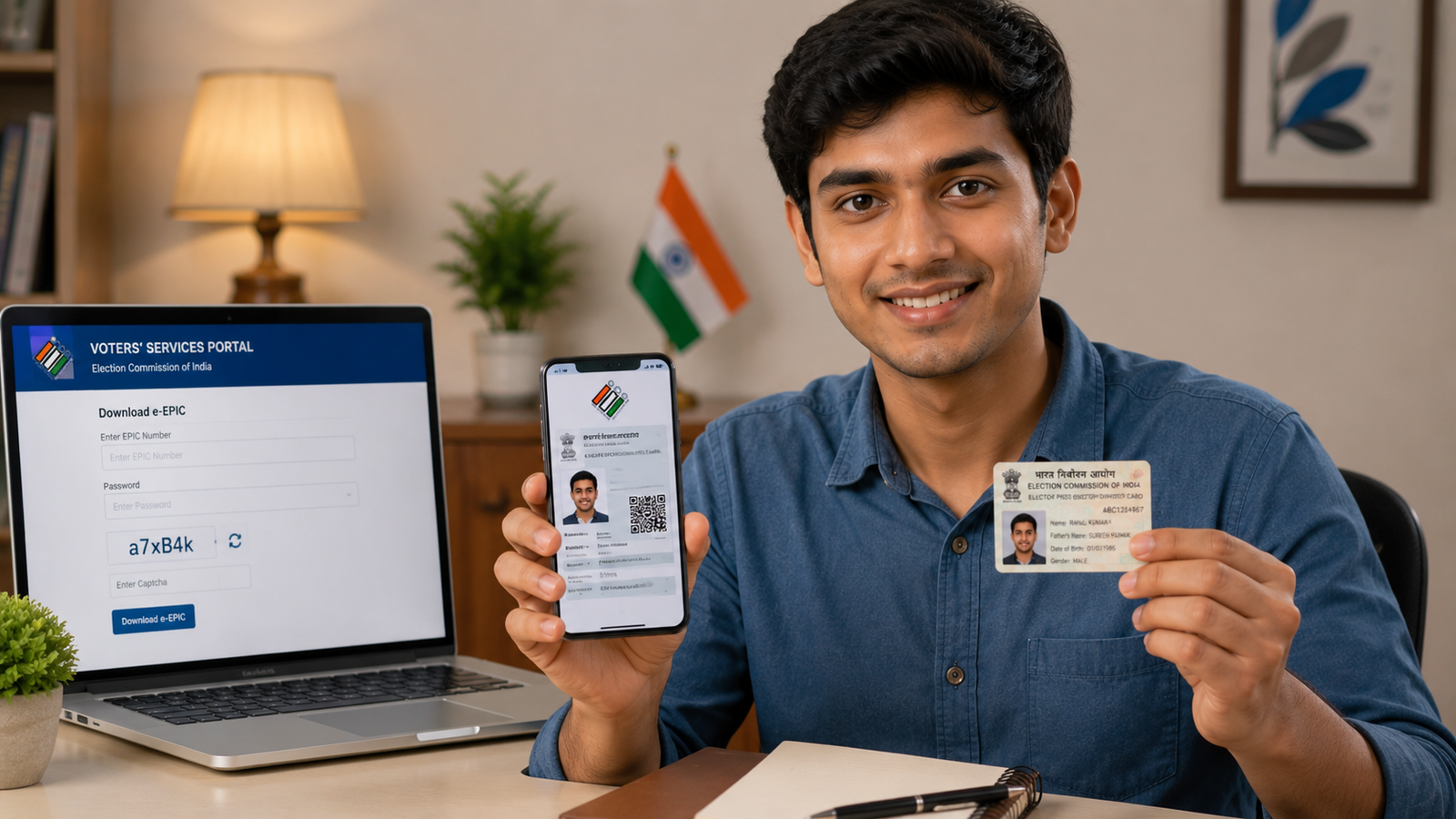
What You Need Before You Start
The download at voters.eci.gov.in requires one of two things:
Option A — Your EPIC Number. The 10-character alphanumeric code printed on your existing Voter ID card, in the format ABC1234567. This is the faster route if you have your old card.
Option B — Your Form Reference Number. Issued to you via SMS and email when you registered online. If you registered for the first time recently and never received a physical card, this is your number.
Don’t have either? Go to voters.eci.gov.in → Search in Electoral Roll → enter your name, date of birth, and state. Your EPIC number will appear in the result.
The other essential: your registered mobile number — the one linked to your voter registration. The portal sends an OTP to that number. If that number has changed or was never registered, you will hit a wall at the OTP step. We’ll cover that fix below.
Method 1 — Download Using Your EPIC Number
- Open voters.eci.gov.in in your browser.
- Click “Download e-EPIC” on the homepage.
- Select “EPIC Number”.
- Enter your 10-character EPIC number, date of birth, and state.
- An OTP arrives on your registered mobile. Enter it.
- Your e-EPIC downloads as a PDF.
The PDF is password-protected. The password is your date of birth in DDMMYYYY format — so if you were born on 15 March 1990, the password is 15031990.
Method 2 — Download Using Form Reference Number
This is the route for first-time voters who registered online and never received a physical card.
- Go to voters.eci.gov.in → “Download e-EPIC”
- Select “Form Reference Number” instead of EPIC Number.
- Enter your reference number, state, and date of birth.
- Complete the OTP step → download the PDF.
If your application is still under review or was rejected, the portal will show you the status rather than a download option. In that case, check Track Application Status on the same portal to see where things stand.
When the OTP Doesn’t Arrive — The Most Common Problem
This is the step where most people give up, and most articles leave them there.
The OTP goes to the mobile number registered against your voter entry. If that number has changed since you registered — or if a number was never linked at all — the OTP will not arrive, and the download cannot proceed.
The fix is Form 8 — the form for correction of entries in the electoral roll.
How to submit Form 8 online:
- Go to voters.eci.gov.in → Fill Form 8
- Log in or create an account.
- Select: Correction of entries in existing Voter ID card
- Update your mobile number in the relevant field.
- Upload supporting documents (Aadhaar or any valid address proof) and submit.
Processing takes roughly 2 to 4 weeks, depending on your district’s Electoral Registration Officer (ERO). Once the update is approved, your new number becomes OTP-enabled and you can download the e-EPIC.
If you need the Voter ID urgently before the update is processed, call the ECI Helpline: 1950. Your local Booth Level Officer (BLO) can sometimes assist with in-person identity verification as a temporary measure.
The Voter Helpline App — Better for Mobile Users
Many people do everything on their phone and find the full portal cumbersome on a small screen. The Voter Helpline App — published by the Election Commission of India — offers the same e-EPIC download in a cleaner mobile interface.
Available on Google Play Store and the Apple App Store. Before installing, verify that the publisher is Election Commission of India — there are lookalike apps.
Steps on the app:
- Install and open the Voter Helpline app.
- Register or log in with your mobile number.
- Go to e-EPIC Download.
- Enter your EPIC Number or Form Reference Number.
- Complete OTP verification.
- The PDF downloads directly to your phone storage.
The app also shows your polling booth, lets you search the electoral roll, and tracks your registration status — worth keeping installed beyond election season.
How to Add Your e-EPIC to DigiLocker — The Correct 2-Step Process
To be direct about this: DigiLocker does not pull e-EPIC from any government database. Unlike your Aadhaar or driving licence, which DigiLocker fetches directly from UIDAI and the transport ministry respectively, the e-EPIC must be uploaded manually by you.
Step 1 — Download your e-EPIC Complete the download from voters.eci.gov.in or via the Voter Helpline App as described above. Save the PDF to your phone or computer.
Step 2 — Upload to DigiLocker
- Open DigiLocker (digilocker.gov.in or the DigiLocker app).
- Go to Uploaded Documents.
- Tap Upload and select your e-EPIC PDF.
- Name it clearly: “Voter ID – e-EPIC – [Your Name]”
Your document now appears under My Uploaded Documents. Note that documents here are user-uploaded, not directly verified through DigiLocker’s government integration. For day-to-day KYC and identity use, the original PDF from ECI is fully sufficient and is what you should present.
Which Portal to Use — Quick Reference
| Portal | Status | Use It For |
|---|---|---|
| voters.eci.gov.in | Active — current official portal | All voter services: e-EPIC download, Form 8, roll search |
| nvsp.in | Old portal — redirects automatically | Don’t bookmark this; update to voters.eci.gov.in |
| eci.gov.in | ECI’s main institutional site | Official notifications, press releases, ECI orders |
| digilocker.gov.in | Active | Store and share your e-EPIC after downloading from ECI |
Frequently Asked Questions
My physical Voter ID card is lost. Is e-EPIC a valid replacement?
Yes, completely. e-EPIC has the same legal validity as the physical card. You do not need to apply for a duplicate physical card if you have and can present the e-EPIC.
I can’t read my EPIC number clearly on my old card. What now?
Use Search in Electoral Roll at voters.eci.gov.in. Enter your name, date of birth, and state — your full EPIC number will appear in the result.
The OTP is not arriving and I’ve waited 15 minutes. The number is correct.
Try requesting the OTP again after clearing your browser cache. If it still fails, call ECI Helpline 1950 — they can guide you through an alternate verification path. Sometimes portal load during peak periods causes OTP delays.
Will banks accept the e-EPIC PDF for KYC?
Most will. Voter ID is an Officially Valid Document (OVD) under RBI’s KYC framework, and the e-EPIC PDF is accepted in lieu of the physical card. For in-person KYC, carry a printout — some branches are not yet familiar with the digital format, though this is changing.
I registered to vote this year and my e-EPIC isn’t available yet.
New registrations require approval by your district’s ERO before the e-EPIC becomes downloadable. Track your status at voters.eci.gov.in under Track Application Status. Once approved, the e-EPIC typically becomes available within a few days.
Can someone else download my Voter ID if they have my EPIC number?
No. The OTP goes only to your registered mobile number. Without access to that number, the download cannot be completed — which is exactly why keeping your registered mobile updated via Form 8 matters.
Check the official portal at voters.eci.gov.in for any changes to the process — the Election Commission updates procedures periodically, especially ahead of election cycles.
About the Author
C. Thiruvenkatam is the founder and editor of Daily Hind News (dailyhindnews.in), an English-language site covering Indian government schemes, civic documents, NRI services, and public welfare programmes for readers across India and abroad. He has covered voter services and ECI policy since the early NVSP era and tracks every portal update through each election cycle. For editorial queries: dailylifearticles@gmail.com.