By C. Thiruvenkatam | Daily Hind News | May 2026
A serious illness should not push a family into debt. That is the entire idea behind the Ayushman Bharat Pradhan Mantri Jan Arogya Yojana — India’s government health insurance scheme that covers hospitalisation costs up to ₹5 lakh per family per year at empanelled hospitals across the country, completely free of charge.
If your family is eligible and you do not have the Ayushman card yet, you are leaving a significant benefit unclaimed. This guide tells you exactly how to check whether your family qualifies, how to apply for the card in 2026, how to download it, and how to use it when you actually need hospital treatment.
What Is the Ayushman Bharat Card and What Does It Cover
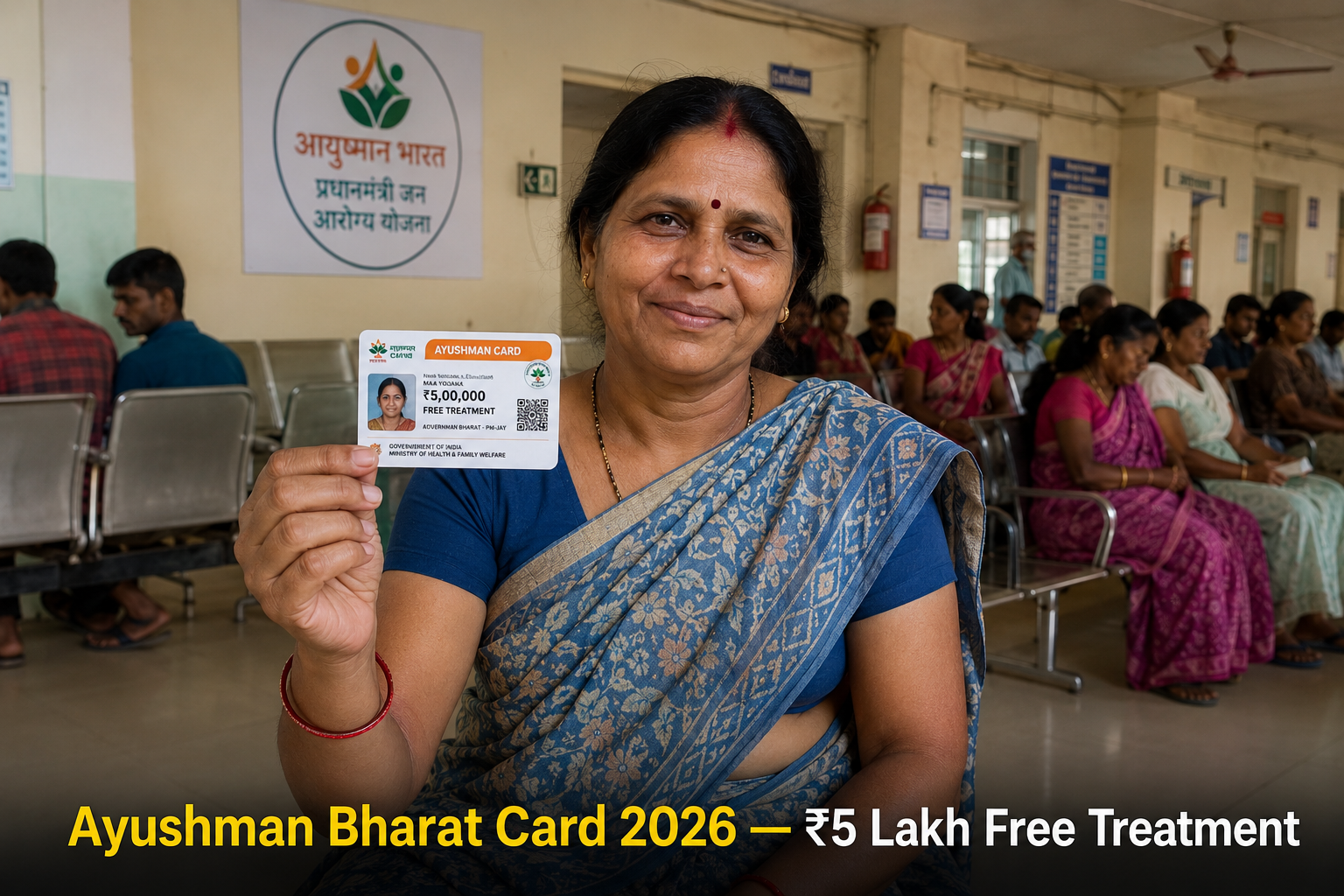
The Ayushman Bharat card — officially called the AB PM-JAY card — is a health cover card issued by the National Health Authority under the Government of India. It gives eligible families cashless treatment at over 29,000 empanelled government and private hospitals across India.
What the scheme covers:
- Hospitalisation for more than 1,500 medical procedures
- Pre-hospitalisation expenses up to 3 days before admission
- Post-hospitalisation follow-up costs up to 15 days after discharge
- ICU charges, surgery, medicines, diagnostic tests — all included
- Pre-existing conditions covered from day one — no waiting period
What it does not cover:
- OPD (outpatient) consultations and medicines without hospitalisation
- Cosmetic procedures
- Fertility treatments
- Drug and alcohol rehabilitation
IMPORTANT: The ₹5 lakh cover is per family per year — not per person. A family of 6 shares the same ₹5 lakh annual limit. Plan major elective treatments accordingly.
Who Is Eligible for Ayushman Bharat Card 2026
Eligibility is based on the Socio-Economic Caste Census (SECC) 2011 data and the ration card database. You do not apply and get selected — your family is either already in the database or it is not.
Rural Families — Automatically Eligible If Any of These Apply
- Families with no adult male member aged 16 to 59
- Families with a disabled member and no able-bodied adult
- SC/ST households
- Landless households earning primarily from manual labour
- Families living in a single room with no proper walls or roof
- Households without any adult member between 16 and 59 years
Urban Families — Automatically Eligible If Occupation Is
- Rag pickers
- Beggars
- Domestic workers
- Street vendors, cobblers, hawkers
- Construction workers, plumbers, masons, painters
- Sanitation workers, gardeners, sweepers
- Home-based artisans — tailors, weavers, handicraft workers
- Transport workers — drivers, conductors, cart pullers
- Shop assistants, helpers in small establishments
- Washermen, security guards, coolies
Additional Eligibility — State-Specific Extensions
Several states have expanded Ayushman Bharat coverage beyond the central criteria. If you live in one of these states, your income threshold may qualify you even if you do not meet the SECC criteria:
| State | Extended Coverage |
|---|---|
| Uttar Pradesh | Up to ₹1.8 lakh annual income |
| Madhya Pradesh | Additional state scheme merged |
| Rajasthan | Chiranjeevi Yojana integrated |
| Andhra Pradesh | YSR Aarogyasri merged with PM-JAY |
| Tamil Nadu | CM Comprehensive Health Insurance merged |
| Maharashtra | Mahatma Phule Jan Arogya Yojana merged |
Check your state health department website for current expanded eligibility criteria.
Step 1 — Check If Your Family Is Eligible Right Now
Before applying for anything, verify your eligibility. This takes 2 minutes.
- Go to pmjay.gov.in
- Click “Am I Eligible” on the homepage
- Enter your mobile number and the OTP received
- Enter your ration card number or name and location
- The portal tells you immediately whether your family is in the beneficiary list
Alternative check: Call the Ayushman Bharat helpline — 14555 — and provide your ration card number. The helpline operator checks eligibility on the spot.
If your family is eligible, your name and family members’ names appear in the system. If not eligible under central criteria, check your state’s health scheme — you may qualify under the state extension.
Step 2 — How to Apply and Get Your Ayushman Card
Once eligibility is confirmed, the card application is straightforward. You have 3 ways to get it:
Option A — Online via Beneficiary Portal (Easiest in 2026)
- Go to beneficiary.nha.gov.in
- Click “Login / Register”
- Enter your Aadhaar-linked mobile number and OTP
- Your family details appear if you are in the beneficiary database
- Select the family member for whom you want the card
- Complete eKYC — enter Aadhaar number and authenticate via OTP or biometric
- Click “Download Card” after successful eKYC
- Your Ayushman e-card downloads as a PDF immediately
The e-card is valid for hospital admission. You do not need to wait for a physical card.
Option B — Via Ayushman App
- Download “Ayushman Bharat PM-JAY” app from Google Play Store
- Register with your Aadhaar-linked mobile number
- Complete eKYC for each family member
- Download individual cards for each member from within the app
PRO TIP: Generate cards for every eligible family member — not just the person who is currently unwell. The card takes minutes to generate when you are healthy. Generating it in an emergency situation at a hospital is stressful and sometimes impossible without proper internet connectivity.
Option C — Via Common Service Centre (CSC) or Ayushman Mitra
If you do not have a smartphone or reliable internet, visit:
- Your nearest Common Service Centre (CSC) — find location at locator.csccloud.in
- Any empanelled hospital — every empanelled hospital has an Ayushman Mitra desk specifically to help beneficiaries generate cards and get admitted
Carry your Aadhaar card and ration card to the CSC. The operator generates and prints your card on the spot. There is no fee for this service — it is completely free.
How to Download Ayushman Card — Step by Step
If you are already registered and just need to download your card again:
- Go to pmjay.gov.in
- Click “Beneficiary Corner”
- Select “Download Ayushman Card”
- Enter your registered mobile number and OTP
- Select the family member
- Click “Download” — your e-card saves as a PDF
The downloaded card shows your name, photo, Ayushman ID number, and a QR code. Hospitals scan the QR code to verify your identity and coverage at the time of admission.
How to Use Your Ayushman Card at a Hospital
Having the card is only half the story. Knowing how to use it when you need treatment is equally important.
Before Admission
- Find an empanelled hospital near you — search at hospitals.pmjay.gov.in by entering your district and treatment type
- Call the hospital in advance and confirm they are currently active under PM-JAY — empanelment status sometimes changes
- Go to the Ayushman Mitra desk at the hospital — every empanelled hospital has one at the entrance or OPD area
- Show your Ayushman card and Aadhaar card
- The Ayushman Mitra verifies your identity via the portal and initiates your admission
During Admission
- All treatment, medicines, diagnostics, and surgery covered under the scheme are cashless — you pay nothing at the empanelled hospital for covered procedures
- The hospital submits the claim directly to the National Health Authority
- If a hospital asks you to pay for procedures that are covered under PM-JAY, call 14555 immediately — this is a violation
After Discharge
- Post-discharge medicines and follow-up consultations for 15 days are covered
- Keep all discharge documents — these may be needed if there is a claim query later
IMPORTANT: Always go to the Ayushman Mitra desk first before going to general admission. Walking directly to admission without informing them of your Ayushman card sometimes results in the hospital not activating the cashless benefit — and collecting payment from you instead.
What to Do If Your Name Is Eligible But Card Is Not Generating
This is a common issue, particularly for beneficiaries added after 2021. The fix depends on the reason:
| Problem | Solution |
|---|---|
| Aadhaar mobile OTP not received | Update mobile number in Aadhaar first at nearest Aadhaar centre |
| Name mismatch between ration card and Aadhaar | Visit CSC for assisted eKYC with biometric |
| Family member not showing in system | Contact district Ayushman Bharat coordinator |
| eKYC keeps failing | Visit empanelled hospital — Ayushman Mitra can complete biometric eKYC on site |
For unresolved issues, email: support@pmjay.gov.in or call 14555
State-Wise Ayushman Helpline Numbers
| State | Helpline |
|---|---|
| National (All States) | 14555 |
| Uttar Pradesh | 18001805145 |
| Bihar | 104 |
| Madhya Pradesh | 181 |
| Rajasthan | 18001806127 |
| Maharashtra | 155388 |
| Andhra Pradesh | 104 |
| Tamil Nadu | 104 |
Frequently Asked Questions
Q: My family has a ration card but we are not showing as eligible. Why? Ayushman eligibility is based on SECC 2011 data — not current ration card status. Many families with ration cards are not in the SECC database. Check your state’s expanded scheme — several states have added families based on income criteria beyond the SECC list.
Q: Can I use the Ayushman card at a private hospital? Yes — but only at private hospitals that are empanelled under PM-JAY. Not all private hospitals are empanelled. Always verify at hospitals.pmjay.gov.in before choosing a hospital for treatment.
Q: My mother’s name is in the system but my father’s is not. Can my father use the card? The card covers the entire family unit registered under one Ayushman ID — typically based on the ration card family. If your father is listed on the same ration card, he should be included. If not, visit the district Ayushman office to get the family unit corrected.
Q: Is there an income limit to apply for Ayushman Bharat card? The central scheme does not use income as the primary criterion — it uses SECC 2011 occupational and deprivation data. However, state extensions do use income limits. Check your state’s specific criteria.
Q: We had the old Ayushman card. Do we need a new card for 2026? The original card remains valid indefinitely. However, if your card was issued before eKYC was mandatory, you may need to complete eKYC at beneficiary.nha.gov.in to activate full benefits. This takes 5 minutes with your Aadhaar and mobile OTP.
Q: Can NRIs use the Ayushman card when visiting India? The scheme covers Indian residents based on SECC data. NRIs who are listed as beneficiaries — typically because they were residents at the time of the SECC census — can use the card during their stay in India. Coverage applies at any empanelled hospital regardless of the state.
The Single Most Important Thing to Do Right Now
Check eligibility at pmjay.gov.in today — before anyone in your family falls ill. Generating the card takes 5 minutes when you are healthy and have all documents ready. In a medical emergency, those 5 minutes can feel impossible.
If you are eligible and your card is not yet generated, do it today. If a family member — particularly an elderly parent — is eligible, generate their card first. Older adults are most likely to need hospitalisation, and most likely to face the paperwork hurdle when they are least able to manage it.
Share this with anyone in your family or neighbourhood who may be eligible but unaware. The scheme covers over 50 crore Indians — and millions of eligible families are still not using it simply because nobody told them clearly how it works.
About the Author C. Thiruvenkatam is the founder and editor of Daily Hind News. With over a decade of experience in digital publishing and Indian civic information, he helps English-speaking Indians worldwide navigate government processes, schemes, and citizen services with clarity and confidence.