PM Kisan 22nd Installment 2026: Has Your ₹2,000 Arrived? Check Status, Fix Issues & Claim What Is Yours
By C. Thiruvenkatam | Daily Hind News | May 2026
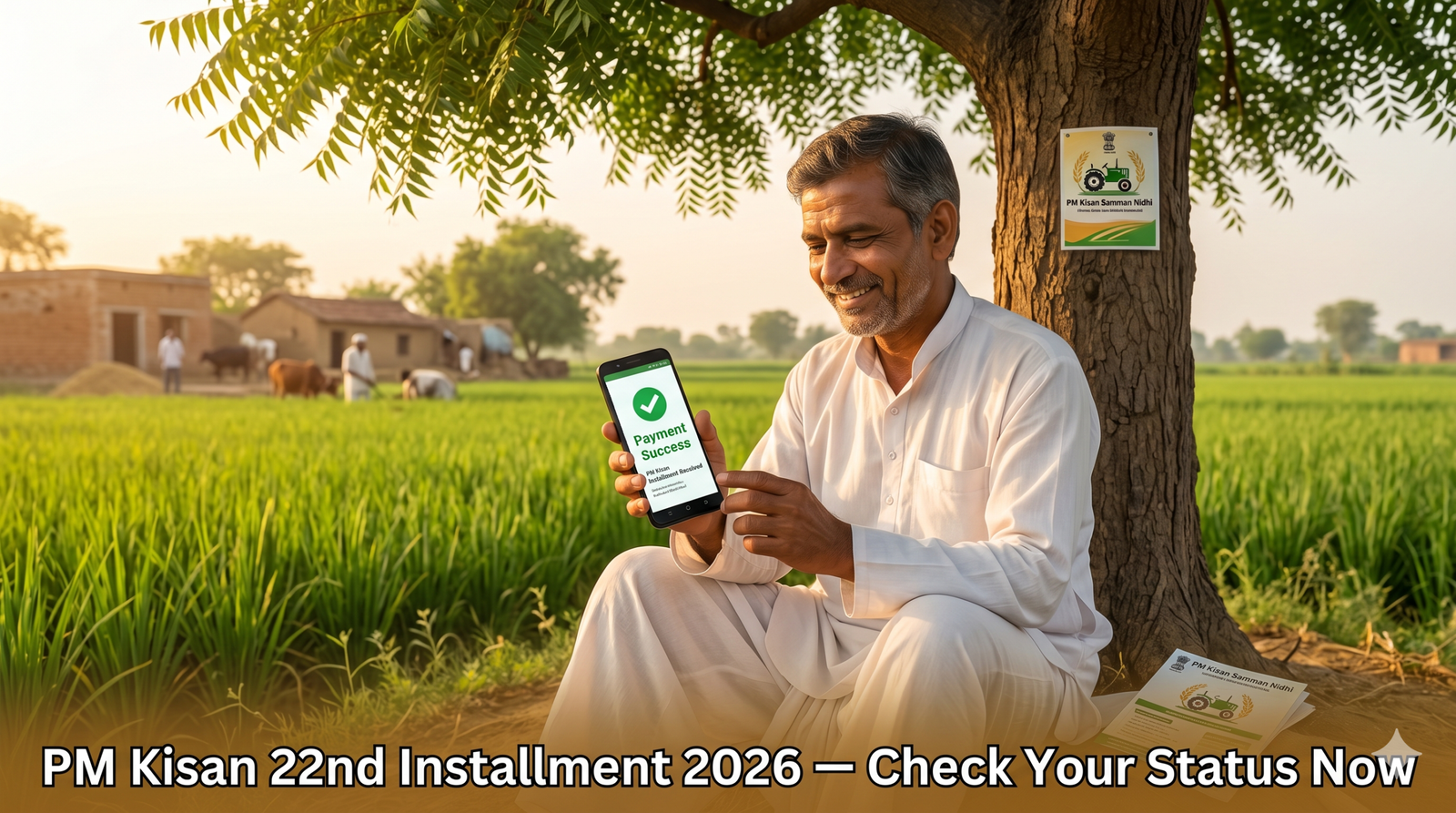
The government has begun releasing the PM Kisan 22nd installment for 2026 — and over 9 crore registered farmers across India are waiting to see that ₹2,000 credit in their bank account.
If your payment has not arrived yet, there is a reason. It could be a pending eKYC, a name mismatch, an inactive bank account, or simply that your state’s transfer is still being processed. This guide walks you through checking your status in under 3 minutes, decoding exactly what the portal is telling you, and fixing the most common problems — without stepping into any government office.
PM Kisan 22nd Installment — Payment Date & Amount
The PM Kisan Samman Nidhi scheme pays eligible farmers ₹6,000 per year in 3 installments of ₹2,000 each. Payments are transferred directly to the farmer’s Aadhaar-linked bank account — no middlemen, no agent, no form to submit at a bank.
The 22nd installment falls in the April–July 2026 payment cycle. Based on previous release patterns, the government typically initiates transfers between April and May of each year for this cycle.
| Installment Cycle | Months Covered | Typical Transfer Month |
|---|---|---|
| 1st of the year | April – July | April / May |
| 2nd of the year | August – November | August / September |
| 3rd of the year | December – March | December / January |
IMPORTANT: The official release date is announced only on pmkisan.gov.in and through PIB (pib.gov.in). Any WhatsApp message or YouTube video giving a “confirmed date” before the official announcement is unreliable.
How to Check PM Kisan 22nd Installment Status — Step by Step
Method 1 — pmkisan.gov.in Beneficiary Status (Most Direct)
This takes under 2 minutes on any smartphone.
- Open pmkisan.gov.in in your browser
- Look for “Farmers Corner” in the top navigation menu
- Click on “Beneficiary Status”
- Choose how you want to search — you have 3 options:
- Aadhaar Number
- Bank Account Number
- Mobile Number (registered with PM Kisan)
- Enter your chosen detail and click “Get Data”
- Your full payment history loads — scroll down to see the 22nd installment status
Your screen will show every installment from your registration date to the most recent one — with a clear status next to each.
PRO TIP: Use your Aadhaar Number for the most accurate result. Bank Account Number lookups occasionally return errors if your account details were recently updated.
Method 2 — PM Kisan Mobile App
The official PM Kisan app is available on Google Play Store. Search “PM Kisan GoI” — the app published by the Ministry of Agriculture and Farmers Welfare.
- Open the app and tap “Beneficiary Status”
- Enter your Aadhaar or registered mobile number
- View your complete installment history instantly
The app also lets you check your eKYC status, update your bank account, and download your beneficiary passbook — all in one place.
Method 3 — Beneficiary Helpline (For Farmers Without Smartphones)
Not everyone has a smartphone or stable internet. PM Kisan operates dedicated helplines for exactly this situation:
| Contact Method | Details |
|---|---|
| Toll-Free Helpline | 1800-115-526 |
| PM Kisan Helpdesk | 155261 |
| pmkisan-ict@gov.in | |
| Grievance Portal | pmkisan.gov.in → Help Desk |
Call during business hours (Monday to Friday, 9 AM to 5 PM) and keep your Aadhaar number ready before calling.
What Your Status Message Actually Means
The status page uses specific language that confuses many farmers. Here is exactly what each message means:
| Status on Portal | Plain English Meaning |
|---|---|
| Payment Success | ₹2,000 has been sent to your bank. Check your account within 2–3 working days. |
| FTO Generated | Payment order has been created. Money is in transit — not yet in your bank. |
| FTO is Pending | Payment order is being processed. Usually resolves within 7 days. |
| Verification Pending | Your Aadhaar, bank, or land details need verification. Action required. |
| Rejected by NPCI | Your bank account has an issue — inactive account, wrong IFSC, or Aadhaar not linked. |
| Beneficiary not found | Your registration may have an error or your details do not match government records. |
IMPORTANT: If your status shows “Verification Pending” for more than 14 days, do not wait. Visit your nearest Agriculture Department office or Common Service Centre (CSC) immediately.
Top 5 Reasons Your Payment Has Not Arrived — And How to Fix Each One
1. eKYC Not Completed
This is the single biggest reason farmers miss installments in 2026. PM Kisan made eKYC mandatory for all registered beneficiaries. No eKYC means no payment — regardless of how long you have been receiving the installments.
Fix it now:
- Go to pmkisan.gov.in → Farmers Corner → eKYC
- Enter your Aadhaar number and the OTP sent to your registered mobile
- Process completes in under 5 minutes
- If your mobile is not linked to Aadhaar, visit the nearest CSC centre for biometric eKYC
2. Name Mismatch Between Aadhaar and Bank Records
Your name in the PM Kisan database, your Aadhaar, and your bank account must match exactly — same spelling, same order. Even “Ram Kumar” vs “Kumar Ram” causes a payment block.
Fix it:
- Check your name on pmkisan.gov.in under “Farmer Corner → Updation of Self Registered Farmer”
- Correct the name to match your Aadhaar exactly
- If your bank account has the wrong name, visit your bank branch with your Aadhaar as proof
3. Bank Account Inactive or Changed
Banks mark accounts dormant after 12–24 months of no transactions. If you changed banks or your old account has become inactive, PM Kisan transfers will fail and bounce back.
Fix it:
- Update your new bank account on pmkisan.gov.in → “Farmer Corner → Updation of Self Registered Farmer”
- Alternatively, visit your state’s Agriculture Department office with your bank passbook and Aadhaar
4. Land Records Not Verified in State Database
Several states — including UP, Bihar, and MP — cross-verify farmer land ownership with state revenue records before releasing payments. If your land is not updated in the state’s land registry, payment gets withheld.
Fix it:
- Contact your local Patwari (UP/MP/Rajasthan) or Revenue Circle Officer (Bihar/AP/TN)
- Get your land records updated in the state revenue portal
- This process can take 2–4 weeks depending on the state
5. Registered Mobile Number Changed
If you changed your mobile number since registering for PM Kisan, you will not receive OTPs for eKYC or status notifications. The old number may be inactive, blocking verification.
Fix it:
- Visit the nearest CSC centre with your Aadhaar and new mobile number
- They update your registered mobile directly in the PM Kisan database
State-Wise Helpdesk Contacts for Major States
Central helplines work for all states, but these state-specific contacts resolve issues faster:
| State | State Agriculture Department | Additional Contact |
|---|---|---|
| Uttar Pradesh | upagripardarshi.gov.in | 0522-2204311 |
| Bihar | dbtagriculture.bihar.gov.in | 0612-2233555 |
| Madhya Pradesh | mpfsts.mp.gov.in | 0755-2558823 |
| Rajasthan | agriculture.rajasthan.gov.in | 0141-2227849 |
| Maharashtra | mahadbt.maharashtra.gov.in | 022-49150800 |
| Andhra Pradesh | apagrisnet.gov.in | 1800-425-1125 |
| Tamil Nadu | tn.gov.in/agriculture | 044-25671500 |
How to Check If Your Name Is in the PM Kisan Beneficiary List
This is useful if you just registered and want to confirm your name is included before the 22nd installment is released.
- Go to pmkisan.gov.in → Farmers Corner → Beneficiary List
- Select your State
- Select your District
- Select your Sub-District
- Select your Block
- Select your Village
- Click “Get Report”
The complete beneficiary list for your village appears. If your name is missing and you registered more than 30 days ago, contact your local Agriculture Department to check the status of your application.
Frequently Asked Questions
Q: I completed eKYC last month but still no payment. What do I do? After eKYC completion, allow up to 4 weeks for your payment cycle to update. If 4 weeks have passed, call PM Kisan helpline 155261 with your Aadhaar number ready. They can flag your account for manual review.
Q: My status shows “Payment Success” but money is not in my bank. Why? Payment Success on the portal means the transfer was initiated from the government’s end. Allow 2–3 working days for it to reflect. If it has been more than 5 working days, call your bank directly — the issue is at the bank’s end, not PM Kisan.
Q: Can I check PM Kisan status without Aadhaar? Yes. Use your registered Bank Account Number or the mobile number registered with PM Kisan. Both work on the Beneficiary Status page at pmkisan.gov.in.
Q: My father passed away. Can I transfer the PM Kisan benefit to my name? Yes, but the process requires a fresh registration in your name with land ownership documents transferred to you. The old registration cannot simply be renamed. Apply as a new farmer at pmkisan.gov.in after completing the land transfer at your local revenue office.
Q: How much total money has PM Kisan paid since 2019? A farmer continuously registered since the scheme launched in February 2019 has received up to ₹44,000 across 22 installments (₹2,000 × 22). Farmers registered later receive proportionally fewer installments.
Q: The portal says “Beneficiary not found” even though I am registered. What does this mean? This usually means your registration was rejected due to ineligible land type, duplicate Aadhaar, or data entry errors. Visit your block-level Agriculture Department office with your registration acknowledgment number to get a clear reason.
Ayushman Bharat Card 2026: How to Apply Online, Check Eligibility & Get Free Treatment Up to ₹5 Lakh
The One Thing to Do Before You Close This Page
If your eKYC is pending — stop everything and complete it now. It takes 5 minutes at pmkisan.gov.in and it is the fastest way to unblock a stalled payment. Every other issue — name mismatch, bank account problems, land records — takes longer, but eKYC you can fix yourself right now.
Pass this on to a farmer in your family or neighbourhood who may not know these steps. Many people miss installments simply because nobody told them eKYC was required.
About the Author C. Thiruvenkatam is the founder and editor of Daily Hind News. With over a decade of experience in digital publishing and Indian civic information, he helps English-speaking Indians worldwide navigate government processes, schemes, and citizen services with clarity and confidence.